01How it works · 18+
An AI image generator built for 18+ work
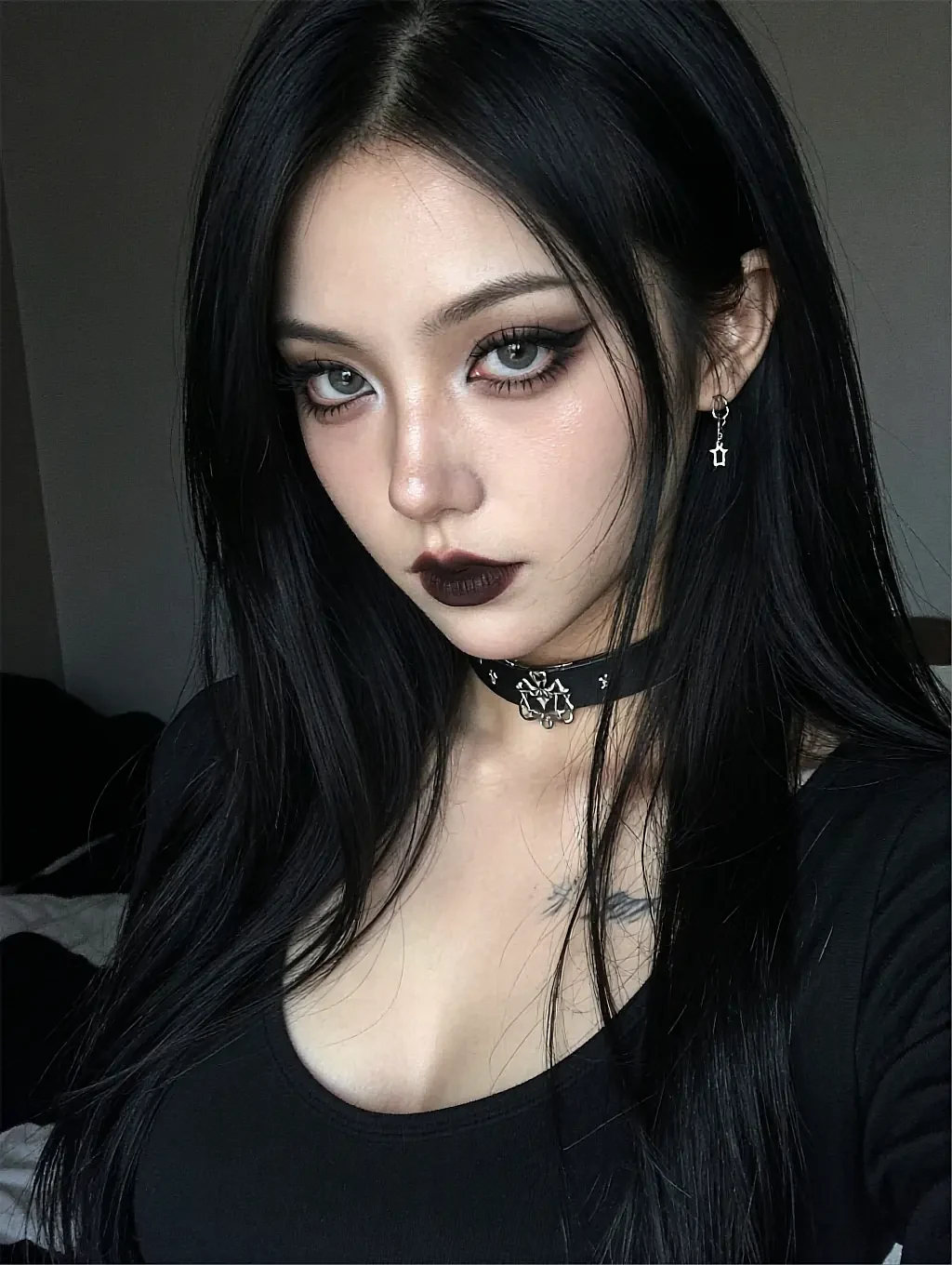
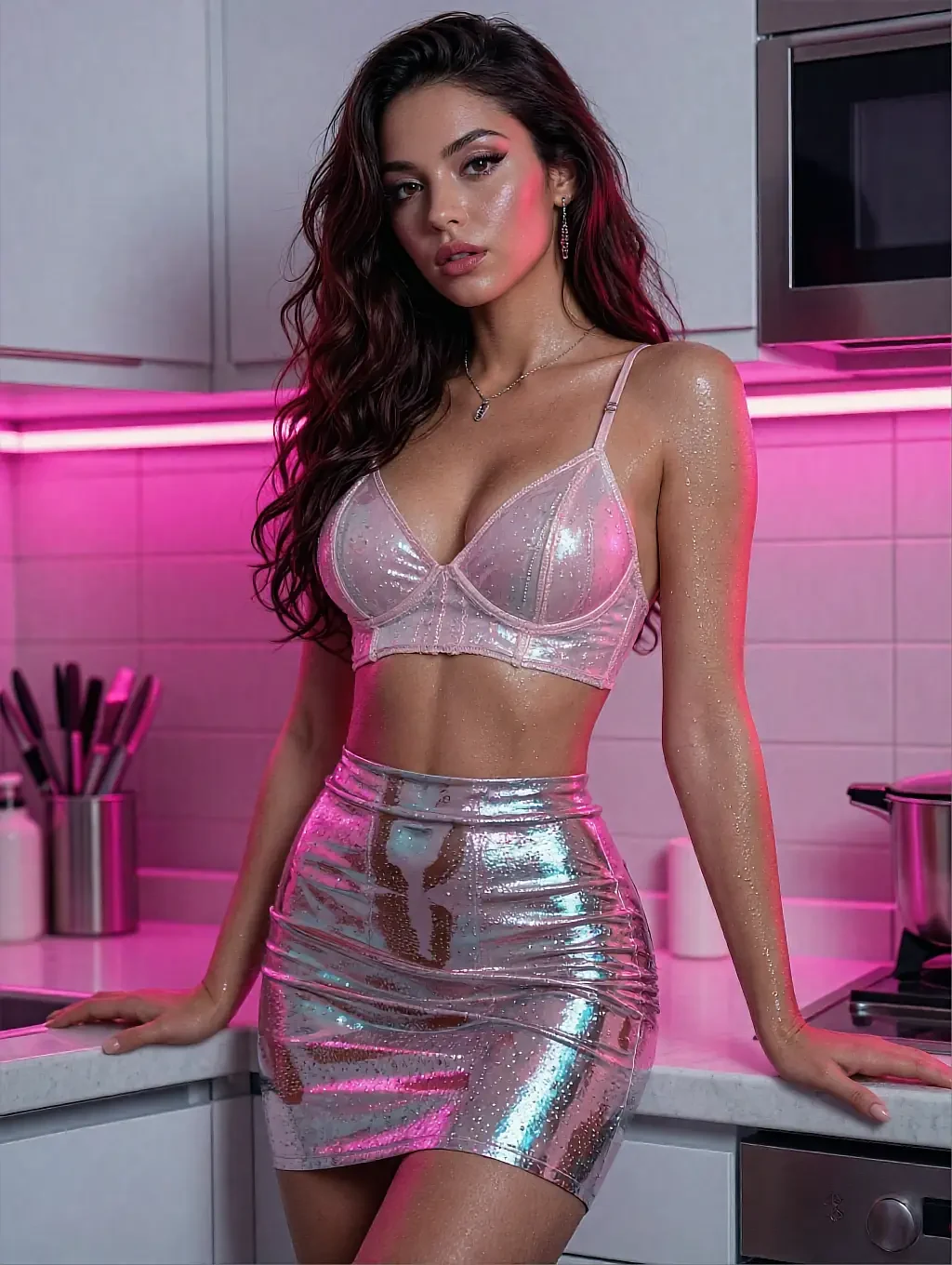
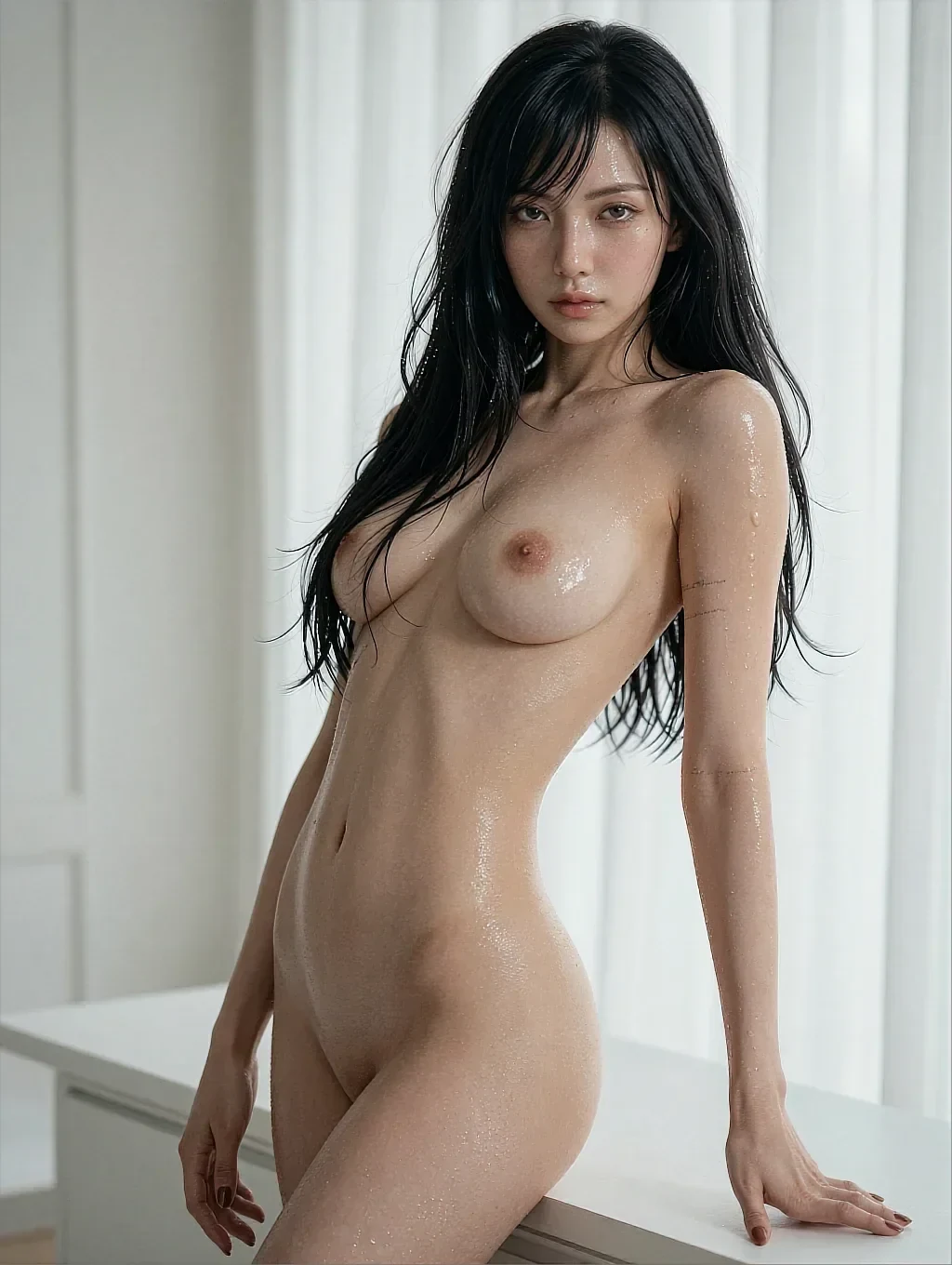
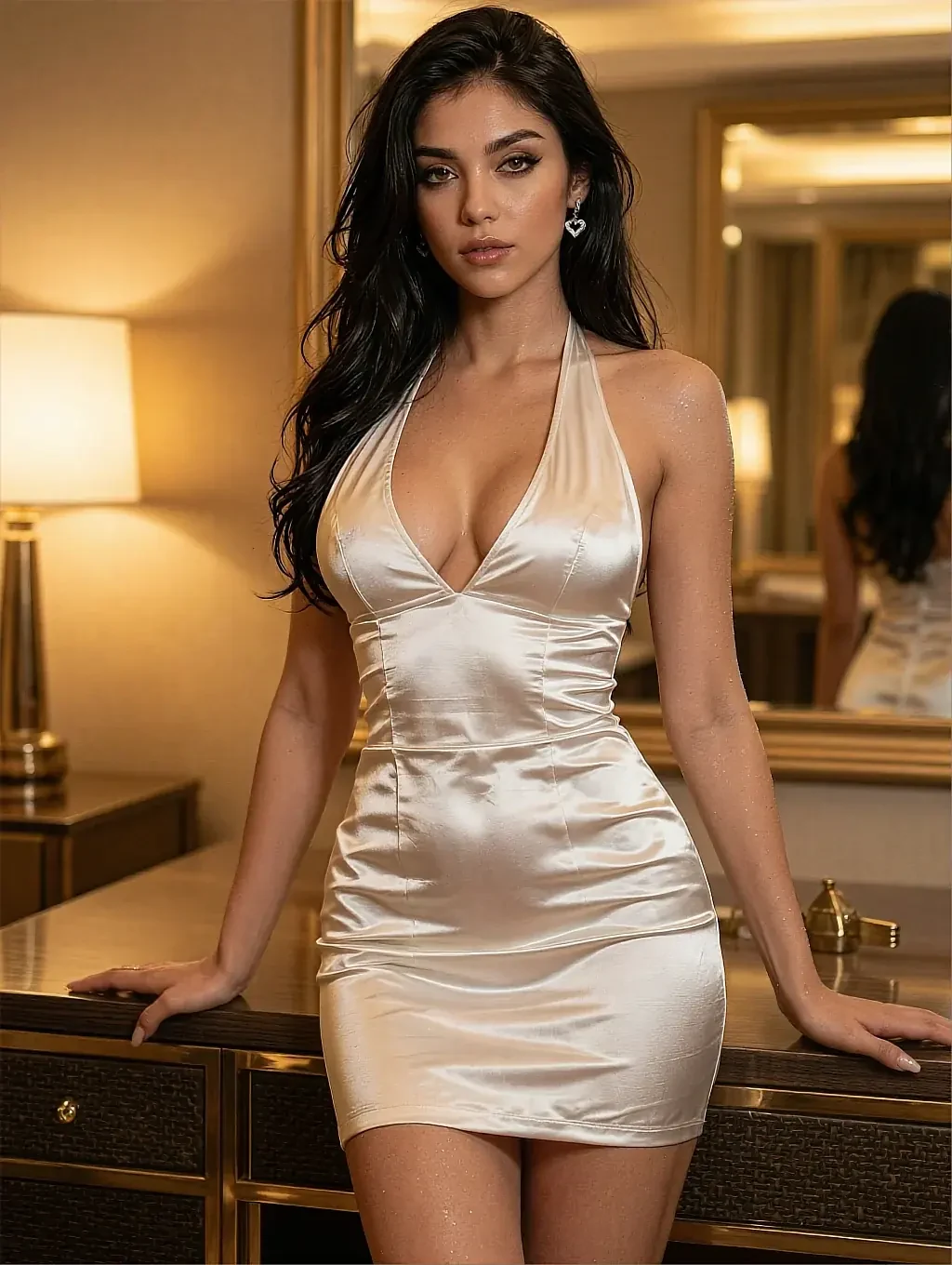
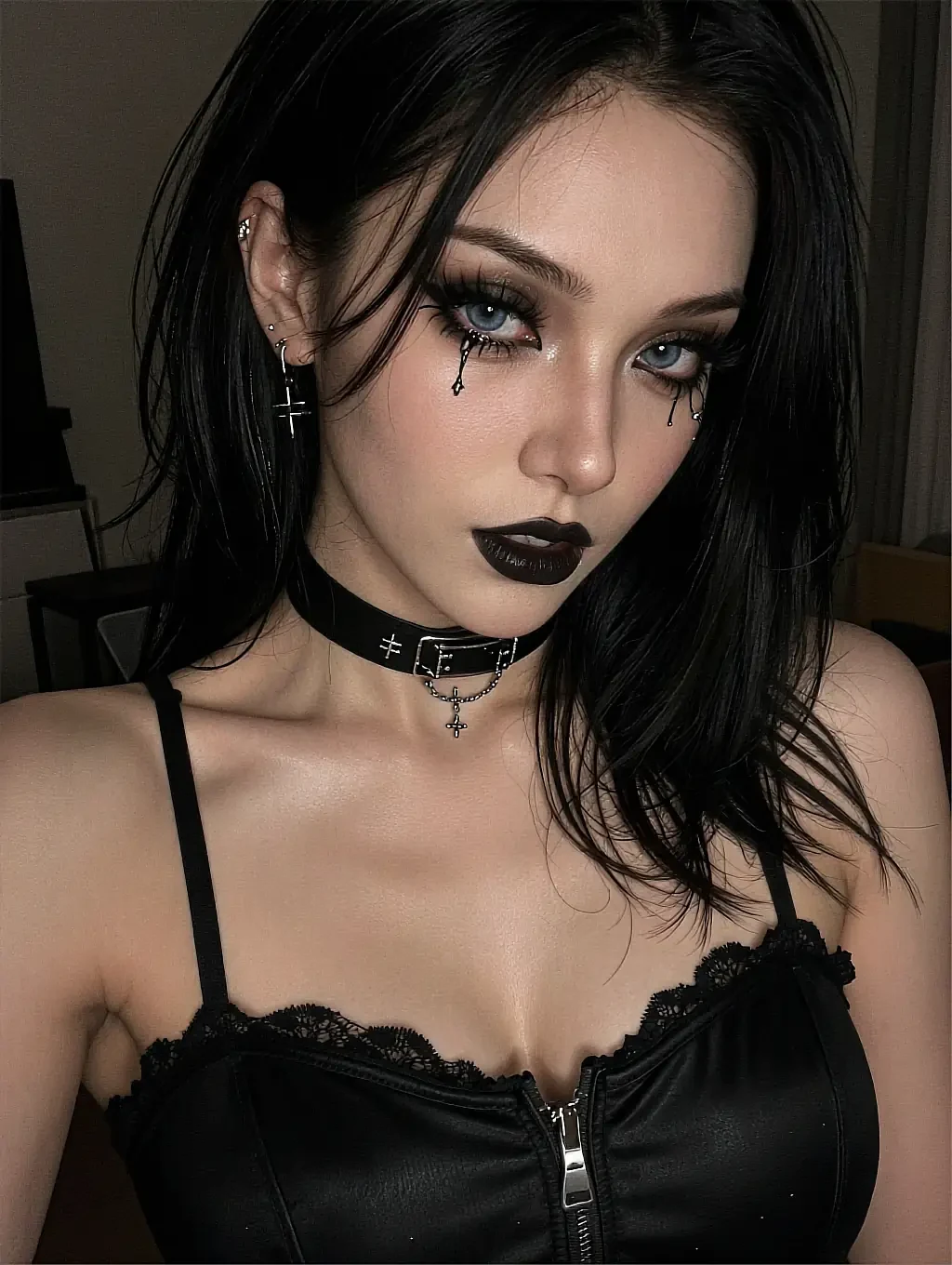
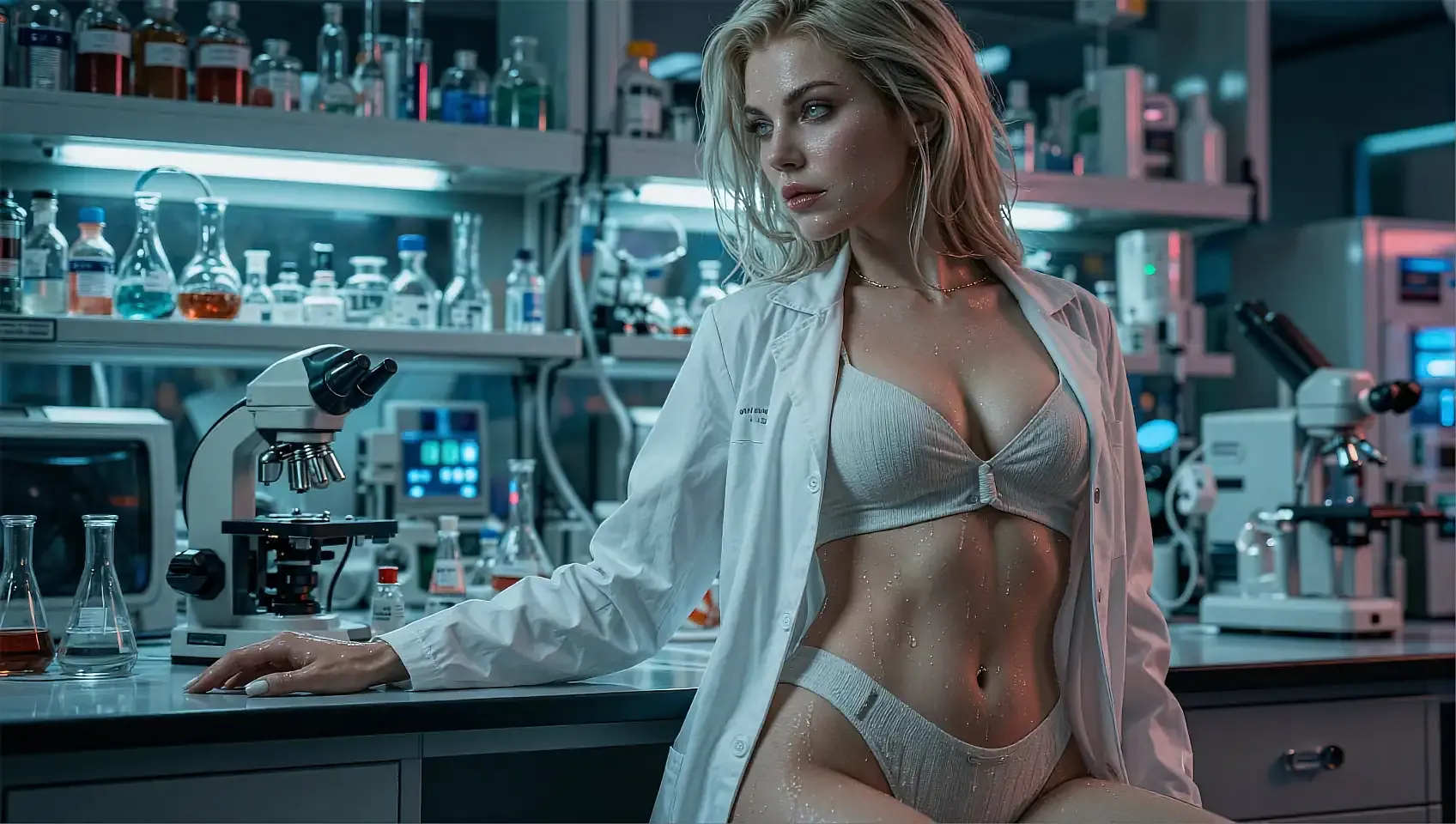
Six sample renders below — 900+ more styles waiting in the app, all free to try.
Prompt in, image out — with style presets, a lockable face, and a clean HD download at the end. This is the whole pipeline, from the first word to the saved file.
Every image is AI-generated. No real person is depicted.
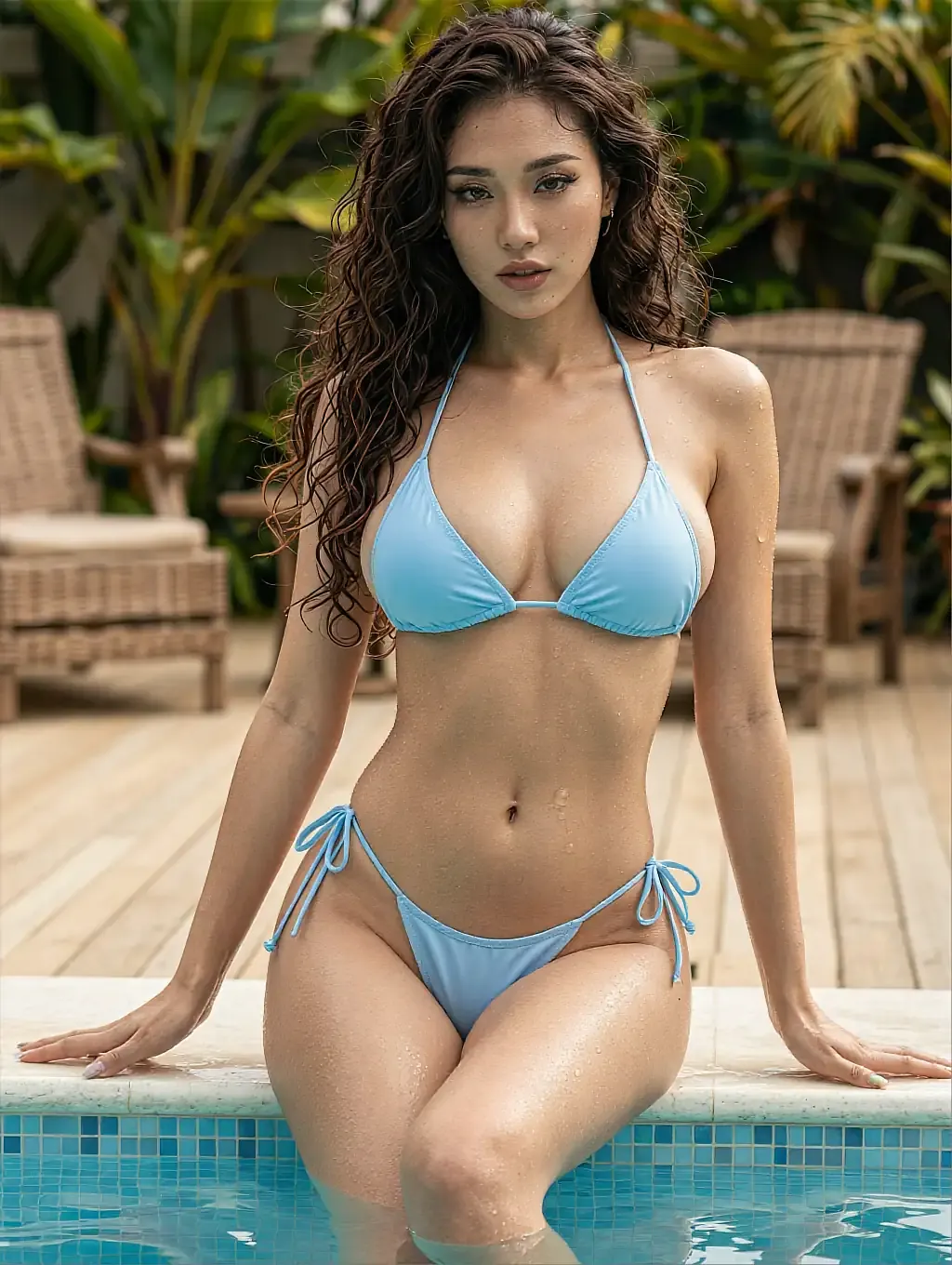
KaiaHD · 2048px
Painterly preset, dreamy colour, wet-gouache edges — one prompt, one pass.
Rendered and ready to upscale.
AI-generated image — no real person is depicted
- Style presets
- Consistent faces
- HD upscale
- 18+
02The detail
What a good AI image generator actually gives you
Anything can spit out a picture. A generator you'll keep using is the one where the controls do what they say.
The core loop of the AI image generator is simple: you write a prompt, pick a style, and it renders. What makes it usable is that each control is real — the style preset changes the whole frame, not just a filter over it.
Consistency is the feature that separates a generator from a novelty. Lock a character and the same face carries across every render, so a set holds together instead of scattering into strangers.
At the end you upscale the keeper to HD and download it clean — no watermark burned across the frame, no export tax on the image you just made.
The iteration cycle is where the generator earns its keep. You adjust one word — swap a lighting direction, nudge skin tone warmer, change the angle — and the next render reflects exactly that change. After four or five passes you are not guessing any more; you are directing.
Batch rendering is the natural next step once you have a face locked. Run variations of pose, wardrobe, and setting across a single character, and the set holds together because the features are consistent — it reads as a portfolio of one person, not a random scatter of strangers.
What works well
- Style presets that steer the whole frame
- A lockable face for consistent sets
- HD upscale on any render
- Clean downloads, no watermark
- Browser-based — nothing to install
Worth knowing first
- Images are AI-generated, not real photos
- Higher-res upscales sit on a paid tier
- Needs a connection to render
- 18+ only, age-gated up front
03On this page
The same prompt, three engines
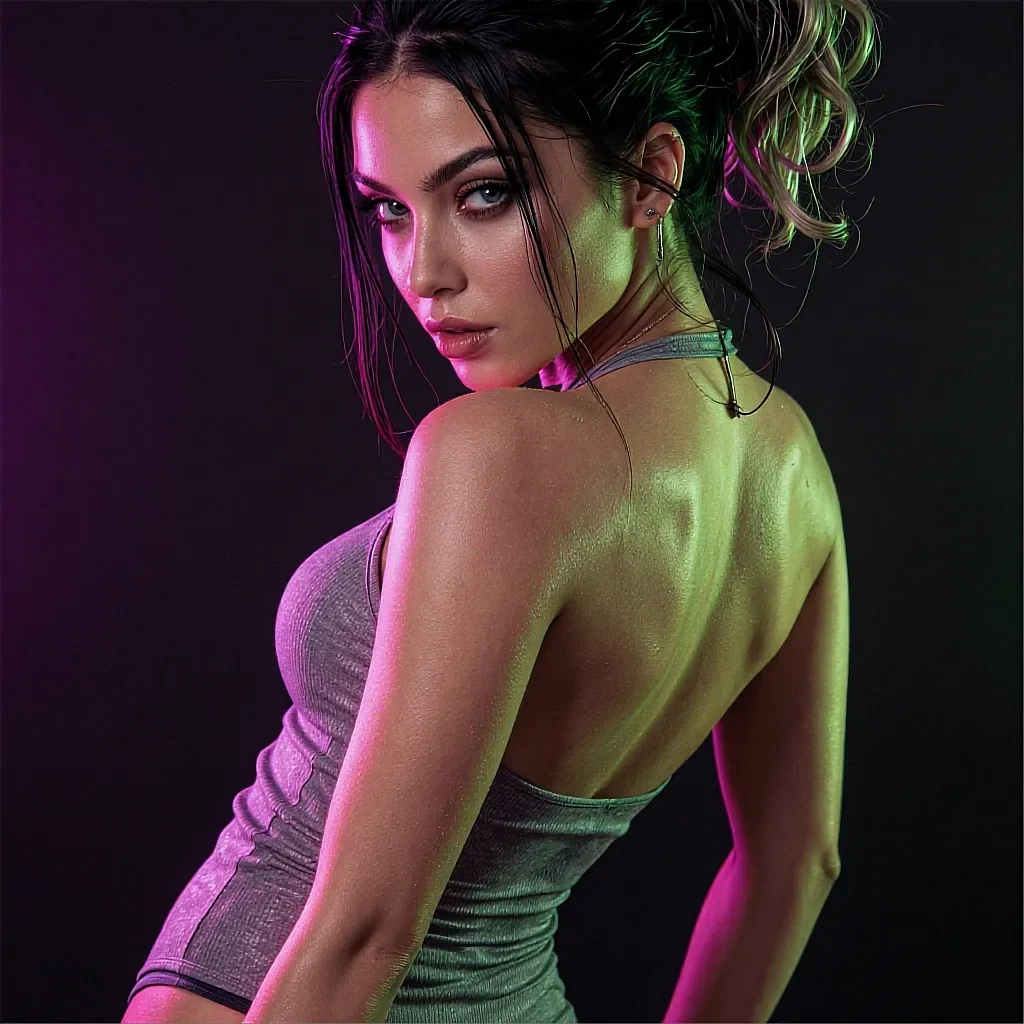
One description, rendered through three different presets — proof the style control is doing real work.
Sharp studio light — clean and modern.
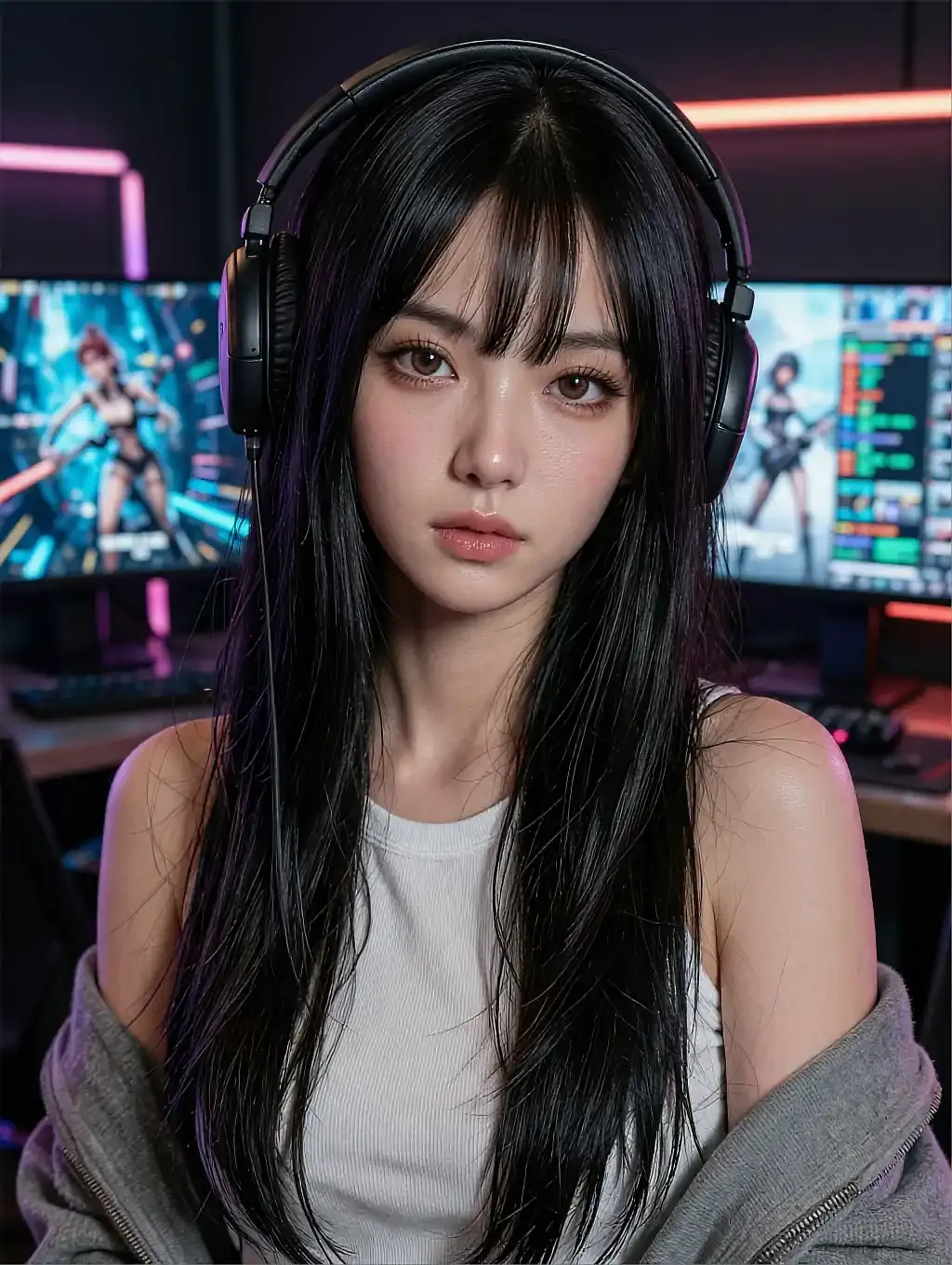
Neo-classical tones — sculpted and elegant.
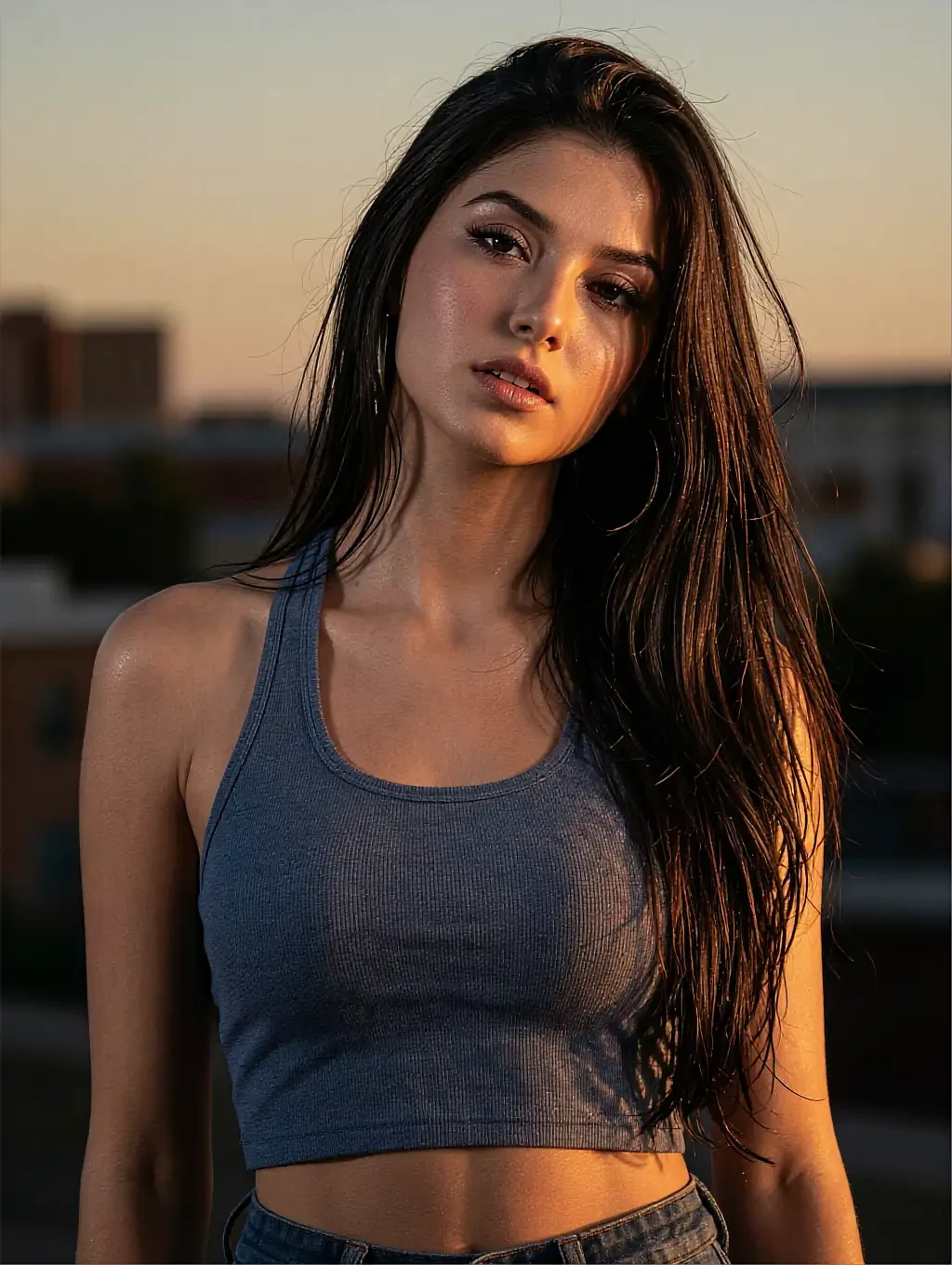
Neon-noir — moody, coral-and-teal glow.
04In practice
Prompt to file, step by step
You confirm you're 18, type a scene, and choose a preset. The render lands in about twelve seconds, and you can regenerate with a tweaked prompt as many times as you like.
When one is right, you lock the face to build a matching set, upscale to HD, and download each frame — the whole thing runs in the browser with no install.
As you build a set you start noticing which presets suit the character and which lighting directions flatter the face you locked. That instinct develops within a single session and carries forward — each batch gets tighter because your eye is calibrating alongside the model.
05Quick answers
AI image generator — quick answers
01What can the AI image generator make?
02How do I keep a character consistent?
03Can I download in high resolution?
04Is there anything to install?
05Can I render a batch of variations from one prompt?
06How much does tweaking a prompt change the result?
06Keep reading
The other pages on this site, each answering a different question.
07Start now
The generator's open
Write one prompt and run it — the pipeline does the rest, from render to HD file. Free to start, uncensored, 18+.